Llamalink - Ollama to LM Studio LLM Model Linker
This is a simple command-line tool that allows you to easily link Ollama models to LM Studio's directory structure. It simplifies the process of symlinking Ollama models to LM Studio, making it convenient to use the models in both applications.
Two of my most commonly used LLM tools are Ollama and LM Studio. Unfortunately they store their models in different locations and filenames. Manually copying or linking files was a pain, so I wrote a simple command-line tool to automate the process.
This is why I created Llamalink.
Ollama is a cross-platform model server that allows you to run LLMs and manage their models in a similar way to Docker containers and images, while LM Studio is a macOS app that provides a user-friendly interface for running LLMs.
I often use both applications to generate text, and I wanted a way to easily link Ollama models to LM Studio's directory structure. This would make it convenient to use the models in both applications.
Features#
- Retrieves the list of available Ollama models using the ollama list command.
- Displays the list of models and allows the user to select specific models to link or link all models at once.
- Retrieves the model path for each selected model using the ollama show --modelfile command.
- Creates the necessary directories in the LM Studio directory structure.
- Creates symlinks from the Ollama model paths to the corresponding LM Studio model paths.
- Removes any existing symlinks before creating new ones to avoid conflicts.
- Cleans up any broken symlinks in the LM Studio models directory.
- Can be run interactively or non-interactively.
Usage#
At the time of writing this, the llamalink command provides the following options:
-aLink all models without prompting for selection.-ollama-dirSpecify a custom Ollama models directory.-lm-dirSpecify a custom LM Studio models directory.-min-sizeInclude only models over the given size (in GB or MB).-max-sizeInclude only models under the given size (in GB or MB).-qQuiet operation, only output an exit code at the end.-no-cleanupDon't cleanup broken symlinks.-cleanupRemove all symlinked models and empty directories and exit.-hPrint the help message.
If no flags are provided, the program will run interactively.
Installation#
go install github.com/sammcj/llamalink@latest
Example#
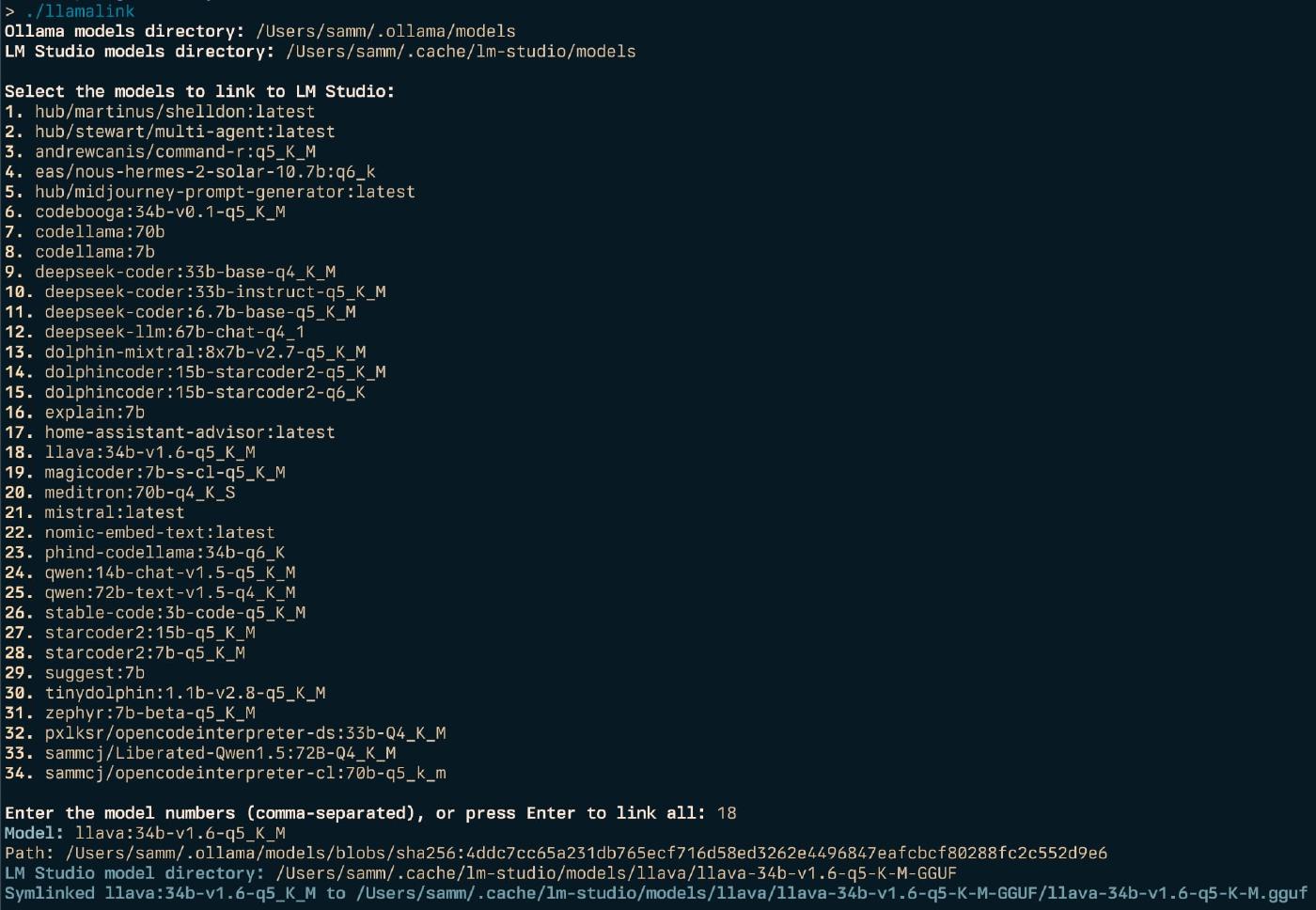
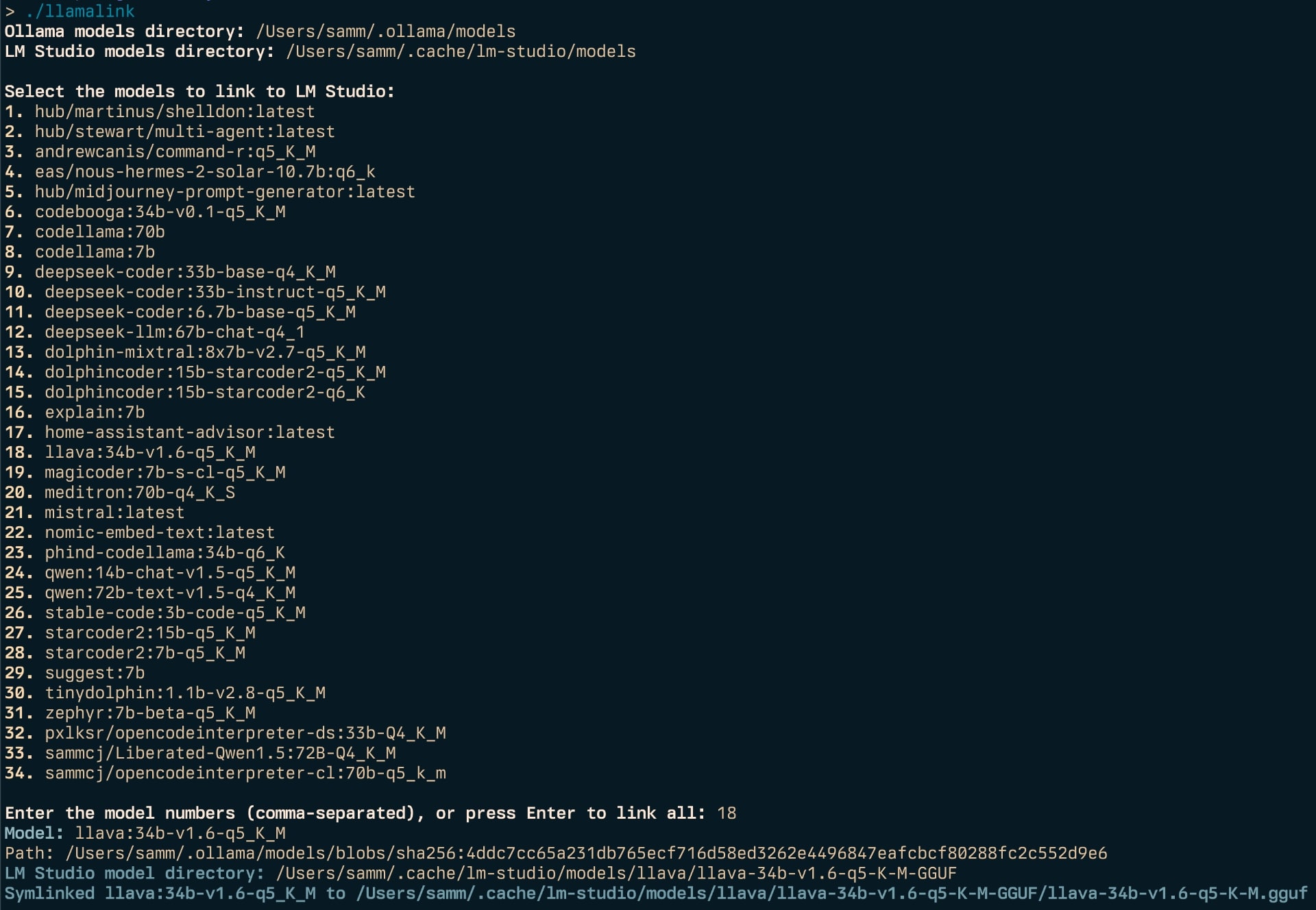
llamalink

Ollama models directory: /Users/samm/.ollama/models
LM Studio models directory: /Users/samm/.cache/lm-studio/models

Select the models to link to LM Studio:
1. knoopx/hermes-2-pro-mistral:7b-q8_0
2. dolphincoder:15b-starcoder2-q4_K_M
3. llava:13b
4. nomic-embed-text:latest
5. qwen:14b
6. qwen:7b-chat-q5_K_M
7. stable-code:3b-code-q5_K_M
8. tinydolphin:1.1b-v2.8-q5_K_M

Enter the model numbers (comma-separated), or press Enter to link all: 3
Model: llava:34b-v1.6-q5_K_M
Path: /Users/samm/.ollama/models/blobs/sha256:4ddc7cc65a231db765ecf716d58ed3262e4496847eafcbcf80288fc2c552d9e6
LM Studio model directory: /Users/samm/.cache/lm-studio/models/llava/llava-34b-v1.6-q5-K-M-GGUF
Symlinked llava:34b-v1.6-q5_K_M to /Users/samm/.cache/lm-studio/models/llava/llava-34b-v1.6-q5-K-M-GGUF/llava-34b-v1.6-q5-K-M.gguf
License#
I have open sourced the codebase under the MIT License and it is freely available for download both on GitHub and via the Go package manager.
Links#
- https://github.com/sammcj/llamalink/
- https://ollama.com/
- https://lmstudio.ai/ (note: LM Studio is not open source)